
Download WinCam – Screen Recording, HD Video, Multi-Source Audio
Overview
WinCam is a screen recording tool designed for Windows users seeking a balance between powerful functionality and ease of use. The app enables users to capture their screen with high-definition clarity, supporting full-screen, window-specific, or custom area recordings. It serves as a practical solution for creating tutorials, documenting software workflows, recording gameplay sessions, and enhancing video communication during virtual meetings. The target audience includes educators, content creators, remote workers, and gamers who require reliable screen capture tools without a steep learning curve.
Although the developer did not provide additional technical details about their background or company history, WinCam positions itself as a lightweight yet capable utility within the screen recording ecosystem. Its focus on intuitive design and real-time adjustments reflects a user-centric approach. The app’s ability to record from multiple audio sources—system sound and microphone—adds versatility for narrated content. In a digital landscape where screen sharing and video documentation are increasingly essential, WinCam offers a streamlined alternative to more complex software suites.
Real-world use cases include recording step-by-step guides for colleagues, capturing in-game moments for social media, or producing training videos for online courses. The app’s release on November 14, 2024, indicates a recent entry into the market, suggesting it may incorporate modern performance optimizations and compatibility with current Windows environments.
Key Features & Functionality
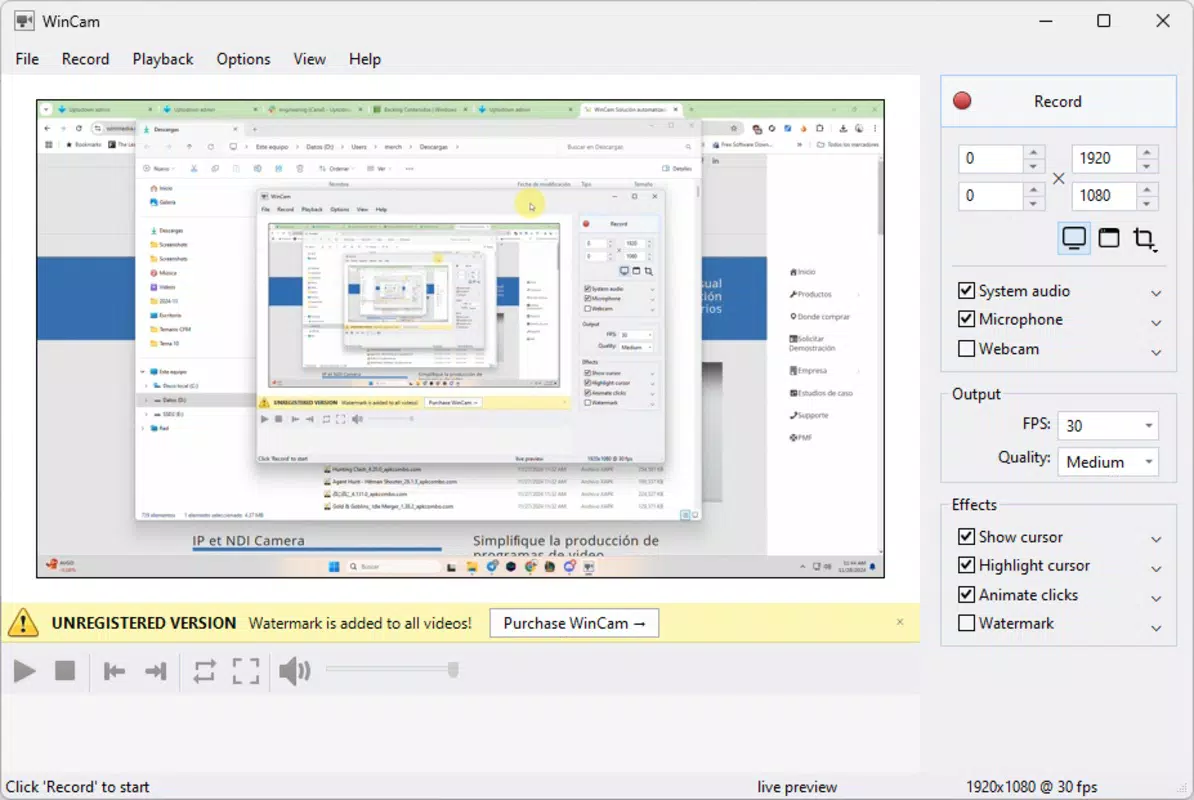
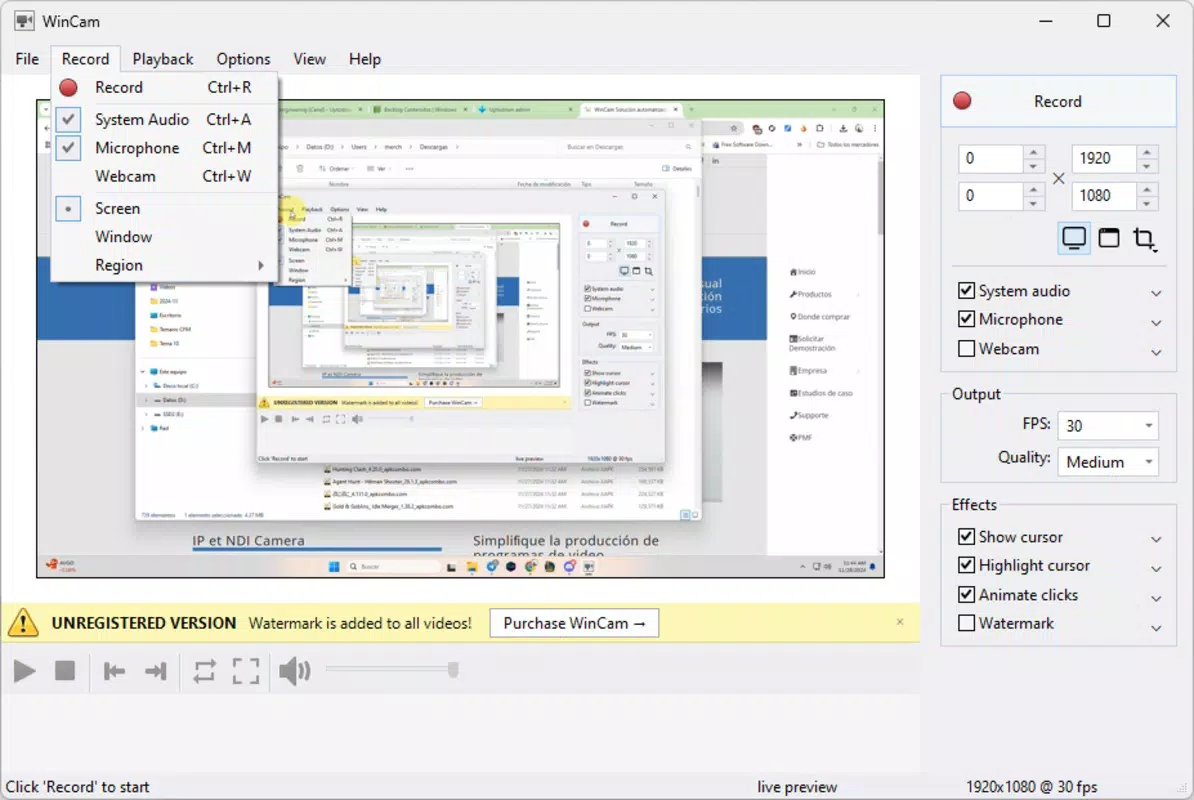
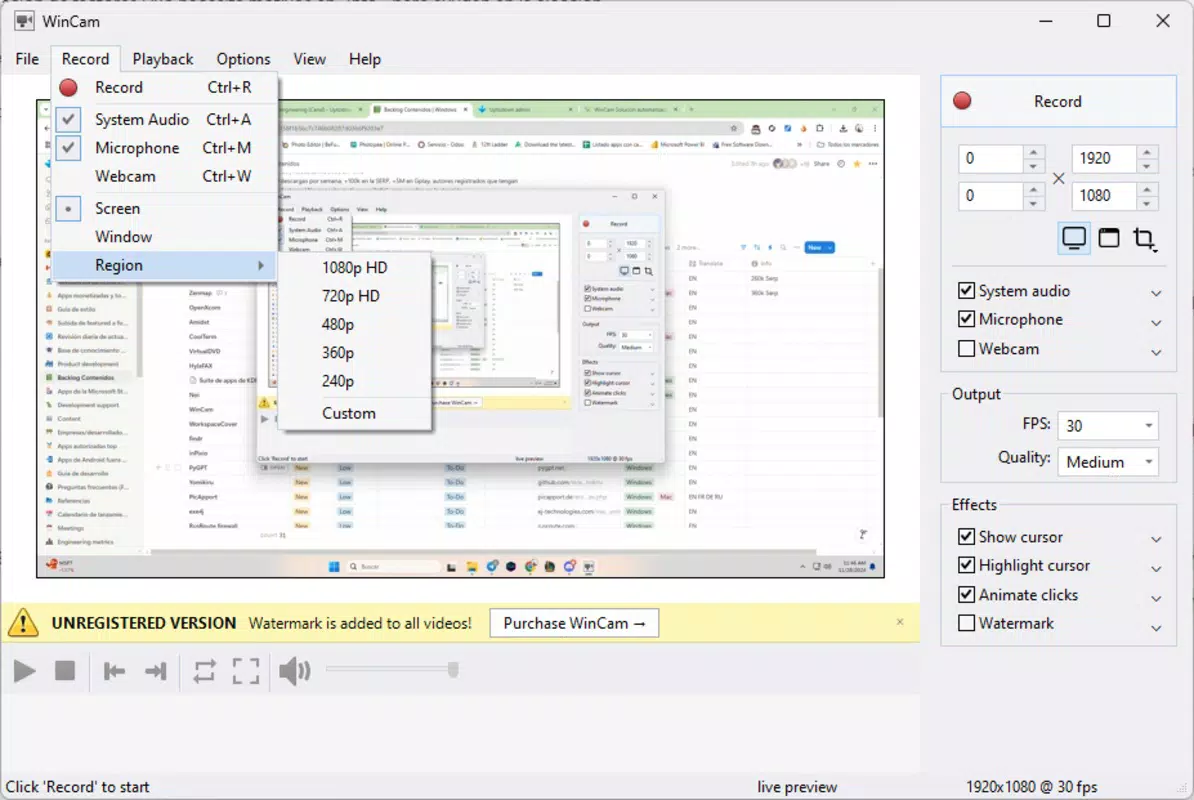
- User-Friendly Interface: WinCam simplifies screen recording with an intuitive layout that allows users to start capturing with minimal setup. The interface enables quick selection of screen areas, windows, or full-screen recording through a single click, reducing the time between decision and execution.
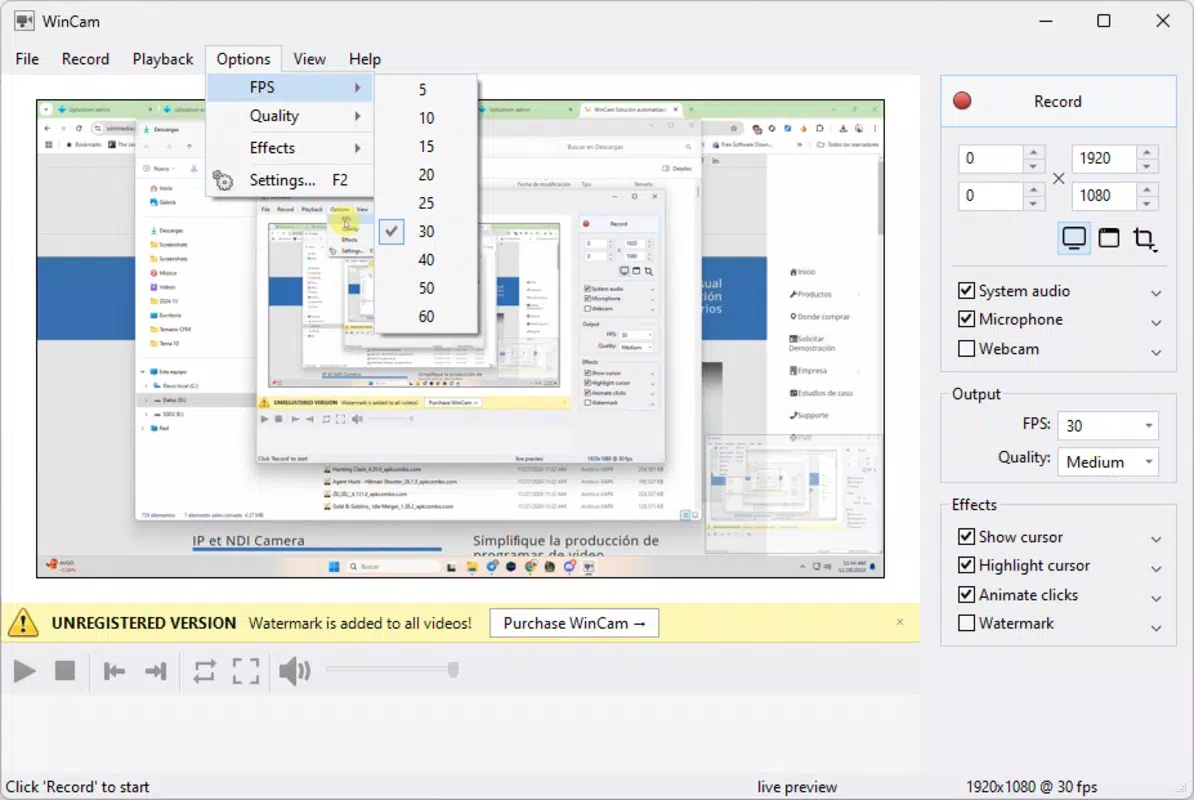
- High-Definition Recording: Users can configure resolution and frame rate settings to match their content needs. Whether recording a detailed tutorial requiring sharp visuals or fast-paced gameplay demanding smooth motion, WinCam delivers high-quality output suitable for professional or personal use.
- Multi-Source Audio Recording: The app supports simultaneous recording from both system audio and microphone input. This feature is ideal for creating narrated presentations, voice-over videos, or live-streaming sessions where both on-screen sound and speaker commentary are critical.
- Real-Time Adjustments: During recording, users can make on-the-fly changes to visual parameters such as brightness and contrast. This capability ensures optimal visual quality without interrupting the recording session, maintaining workflow continuity.
- Flexible Output Formats: WinCam supports various video formats, allowing users to export recordings in widely compatible file types for easy sharing or further editing in third-party software.
For example, a teacher might use WinCam to record a lesson with a clear voiceover and on-screen annotations, while a gamer could capture a high-frame-rate gameplay sequence with synchronized system audio. These features collectively enhance productivity and content quality, making WinCam a practical tool across diverse professional and creative workflows.
Interface, UX & Performance
WinCam features a clean, minimal interface designed to prioritize accessibility. The main dashboard presents essential recording controls—start, stop, and settings—within easy reach, reducing cognitive load during use. Navigation is straightforward, with clearly labeled buttons and a logical layout that minimizes user confusion. The app maintains visual consistency across functions, contributing to a cohesive user experience.
Although the developer did not list formal performance metrics, the app is designed to operate efficiently on standard Windows hardware. Users can expect stable operation during recording sessions, with minimal impact on system resources. Responsiveness is maintained across different device categories, including laptops and desktops, ensuring smooth performance during extended use. The interface adapts well to various screen resolutions, preserving usability on both high-DPI displays and standard monitors.
Stability appears to be a core focus, as the app allows real-time adjustments without requiring session interruptions. This design choice supports uninterrupted workflows, especially important during long recordings or live presentations. While specific data on crash rates or memory usage was not provided, the overall user experience suggests a reliable and dependable performance profile.
Platform Compatibility & Technical Requirements
WinCam is designed for the Windows operating system, though specific version requirements were not listed. The app’s file size is not disclosed, but its functionality suggests it is optimized for efficient operation on modern Windows devices. Users should expect compatibility with current Windows versions, including Windows 10 and Windows 11, based on its recent release date.
The developer did not specify minimum OS requirements or hardware prerequisites. However, the app’s lightweight nature and focus on real-time adjustments indicate it is built to run smoothly on mid-range systems. No additional dependencies or third-party tools are required for basic operation, simplifying the installation and setup process.
Pros and Cons
Pros
- Intuitive interface suitable for beginners and advanced users alike
- Supports high-definition recording with customizable resolution and frame rate
- Simultaneous recording from system audio and microphone
- Real-time visual adjustments without stopping the recording
- Flexible export options in multiple video formats
Cons
- Developer did not provide detailed technical specifications or system requirements
- File size and version details were not disclosed
- No information on cloud integration or advanced editing tools
- Compatibility with older Windows versions was not confirmed
- Specific update frequency or support timeline was not listed
FAQ
Is WinCam safe to download and install?
Yes, WinCam is designed for Windows and does not require any known third-party software. The developer has not reported any security issues, and the app functions as a standalone utility.
Can I use WinCam on older versions of Windows?
The developer did not confirm compatibility with Windows versions prior to Windows 10. It is recommended to check system requirements before installation.
Does WinCam support video editing after recording?
While WinCam allows basic output customization, the developer did not provide details about built-in editing features. Users may need to use external software for advanced edits.
How often is WinCam updated?
Specific update frequency was not disclosed. The app was released on November 14, 2024, and users should monitor official channels for updates.
Can I record both my screen and microphone at the same time?
Yes, WinCam supports multi-source audio recording, allowing simultaneous capture of system sounds and microphone input.
Final Thoughts
WinCam stands out as a modern, efficient screen recording solution tailored for Windows users who value simplicity without sacrificing quality. Its combination of high-definition output, real-time adjustments, and multi-source audio makes it a versatile tool for educators, professionals, and content creators. The app’s clean interface and responsive design ensure a smooth experience across various use cases, from quick tutorials to detailed presentations.
While some technical details remain undisclosed, the overall functionality and user experience suggest a well-constructed utility. For individuals seeking a reliable, easy-to-use screen recorder that delivers consistent results, WinCam offers strong value. The ability to capture high-quality content with minimal setup is a significant advantage in today’s fast-paced digital environment.
Download WinCam now


